



Music Games
17 gamesChoose a game below, or read the piano and rhythm games comparison for controls and song access. If a game is silent, start with the sound troubleshooting guide.


Gaming Blog
- Free Piano & Rhythm Games: Controls and What to Expect
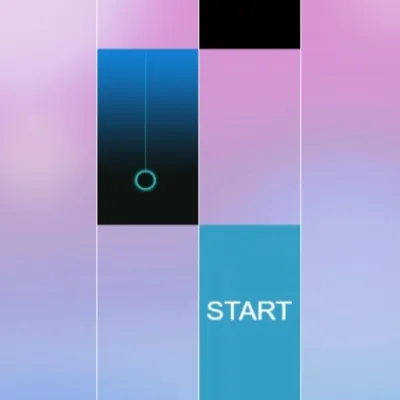
Compare Piano Music Tiles, Piano Fire and Perfect Piano 2: real controls, song access and practical audio checks before you play.
- Rhythm Games: Check Audio Delay Before Changing Your Timing
A late sound can come from the audio path rather than a late tap. Compare the same short passage on two outputs before changing how you play.
- Browser Game Has No Sound? Check These Settings
A silent browser game may need a tap before audio starts. Check the game mute button, browser tab and output device before changing settings.
Gaming Blog (+6)
- Why Matching Tiles Cannot Be Removed in Mahjong or Onet
- Timing Games: Watch Before You Tap
- Find the Perfect Game for Your Mood: A FunGame Guide
- The Best Browser Games to Play on Your Smartphone 2026
- Best Free Solitaire and Card Games to Play in Your Browser
- Best Relaxing Browser Games for Stress Relief 2026
About Music Games
Choose a music game by the input you want to use: follow tile patterns, aim at a timing line, or try a different musical activity. Piano Music Tiles, Piano Fire and Perfect Piano 2 each have their own start screens and controls. Open a game card to read its instructions before starting; a shared piano theme does not mean the games work the same way.
Why Try This Category?
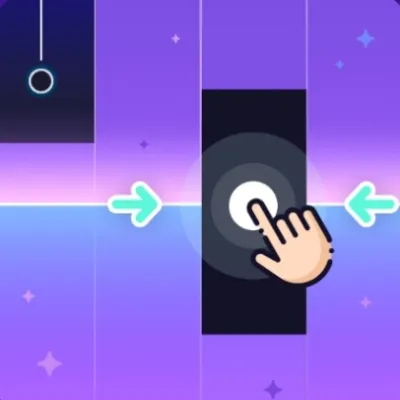
A short tile sequence gives you a clear timing challenge to repeat. Choose Piano Music Tiles to browse its song cards, Piano Fire for a timing-line tutorial, or Perfect Piano 2 for visible F, G, H and J lane labels on desktop. These are examples from the embedded versions, not a ranking or a promise about every game in the collection.
Tips for New Players
Interact with the game before expecting audio, check its mute setting and your output device, and use fullscreen if targets are too small. Follow the controls shown by each game instead of assuming a keyboard layout or practice-speed mode. When timing feels inconsistent, repeat the same short passage before changing your device or audio output.
What to Expect
The games load in your browser without an app installation, but assets still download and may be cached. Some song lists include unlock conditions, in-game currency or ad buttons; check the available track before starting. Song access and recovery options vary. The collection is for entertainment and does not promise piano lessons or health benefits.